
Public pipelines
If you're working on an open source project, and want anyone to be able to see your builds, you can make your pipeline public.
Before a pipeline can be made public, a Buildkite organization administrator must enable public pipeline creation in the Organization Settings. To do so, go to the Organization Settings page, select Pipelines > Settings, scroll down to the Public Pipelines section, and select Enable Public Pipeline Creation.
Making a pipeline public provides read-only public/anonymous access to:
- Pipeline build pages
- Pipeline build logs
- Pipeline build artifacts
- Pipeline build environment config
- Agent version and name
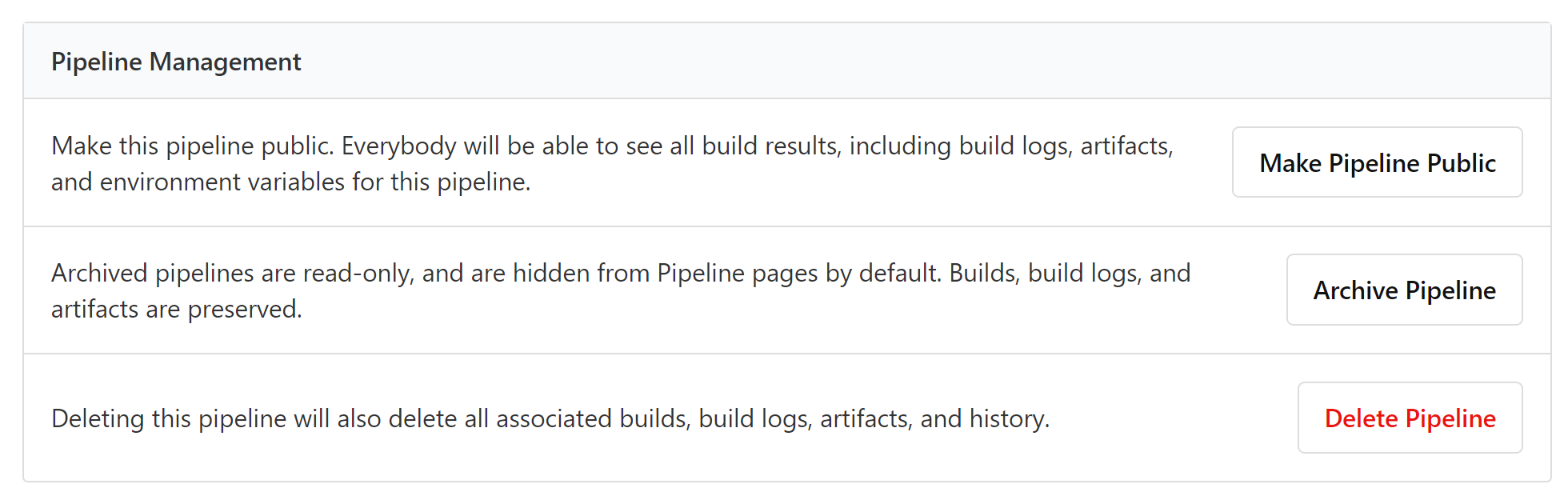
Make a pipeline public using the UI
Make a pipeline public in the pipeline's Settings > General page:
Create a public pipeline using the GraphQL API
Use the following mutation in the GraphQL API to create a new public pipeline:
mutation {
  pipelineCreate(input: {
    organizationId: $organizationID,
    name: $pipelineName,
    visibility: PUBLIC,
    repository: {
      url: "git@github.com:blerp/goober.git"
    },
    steps: {
      yaml: "steps:\n- command: true"
    }
  }) {
    pipeline {
      public  # true
      visibility # PUBLIC
      organization {
        public # true
      }
    }
  }
}