Revoke OAuth access for your organization
During a suspected security incident, organization administrators can now revoke existing OAuth access and refresh tokens without contacting Support. Under Settings → Security → General, select Revoke OAuth access to review and confirm the action.
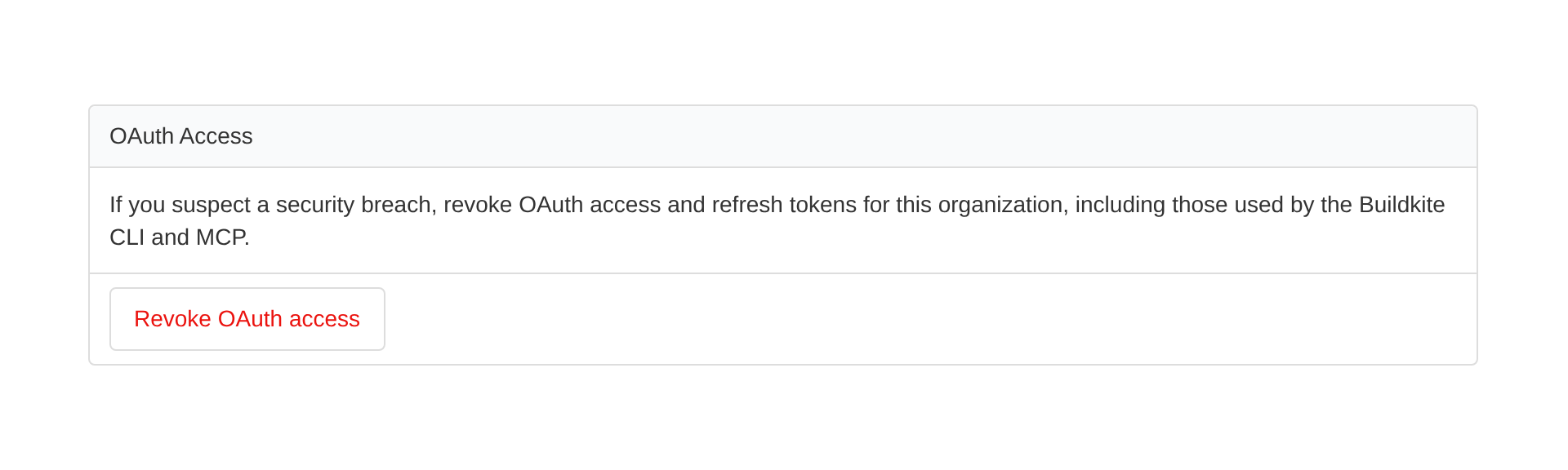
Revocation runs in the background and includes your own OAuth access, including connections used by the Buildkite CLI and remote MCP. Affected integrations stop working until users authorize them again.
Personal API access tokens, agent tokens, browser sessions, OAuth tokens issued without refresh tokens, and access to other organizations are unaffected. New authorizations after confirmation are also unaffected.
Learn how to revoke OAuth access for your organization.
Sorcha
You deserve better CI.
Get started for free with a full month of our all-access trial.