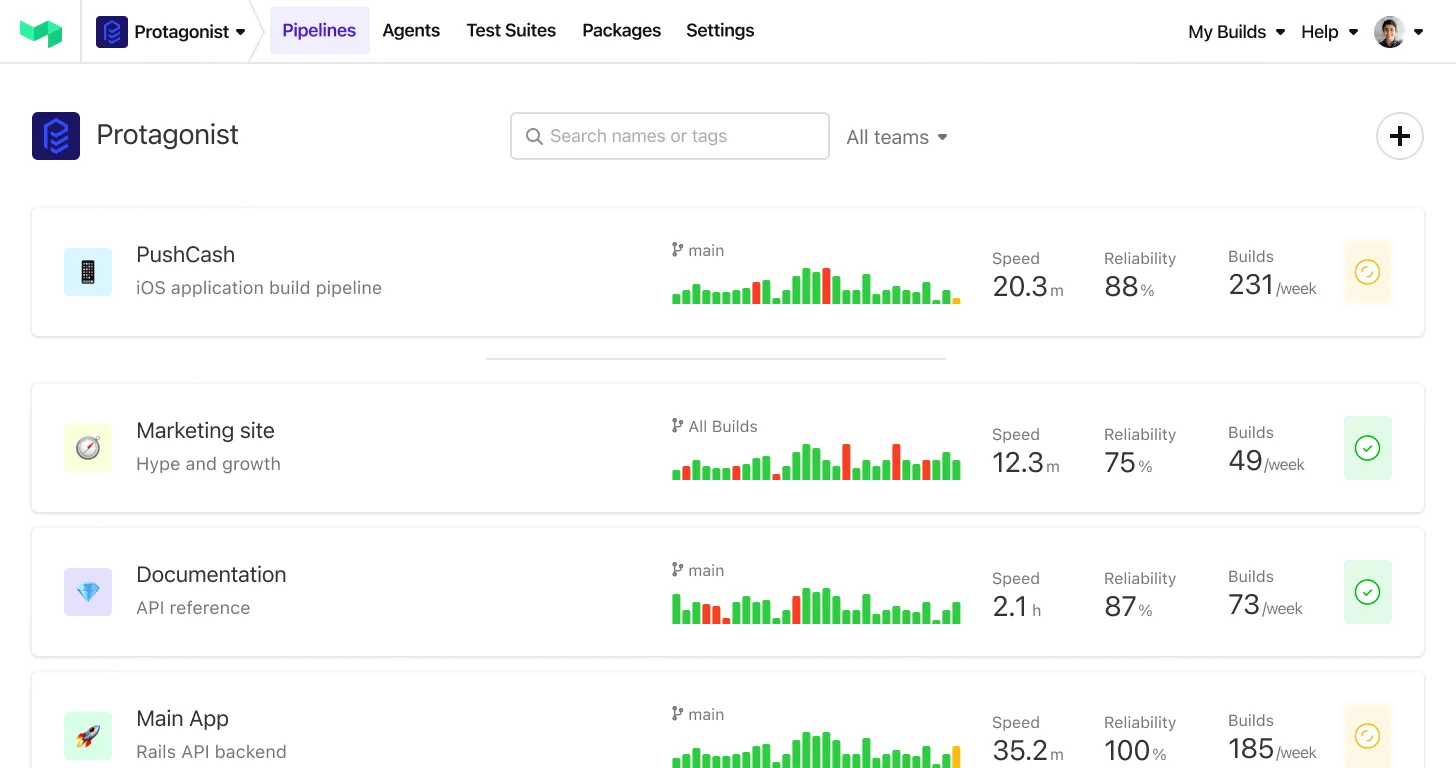
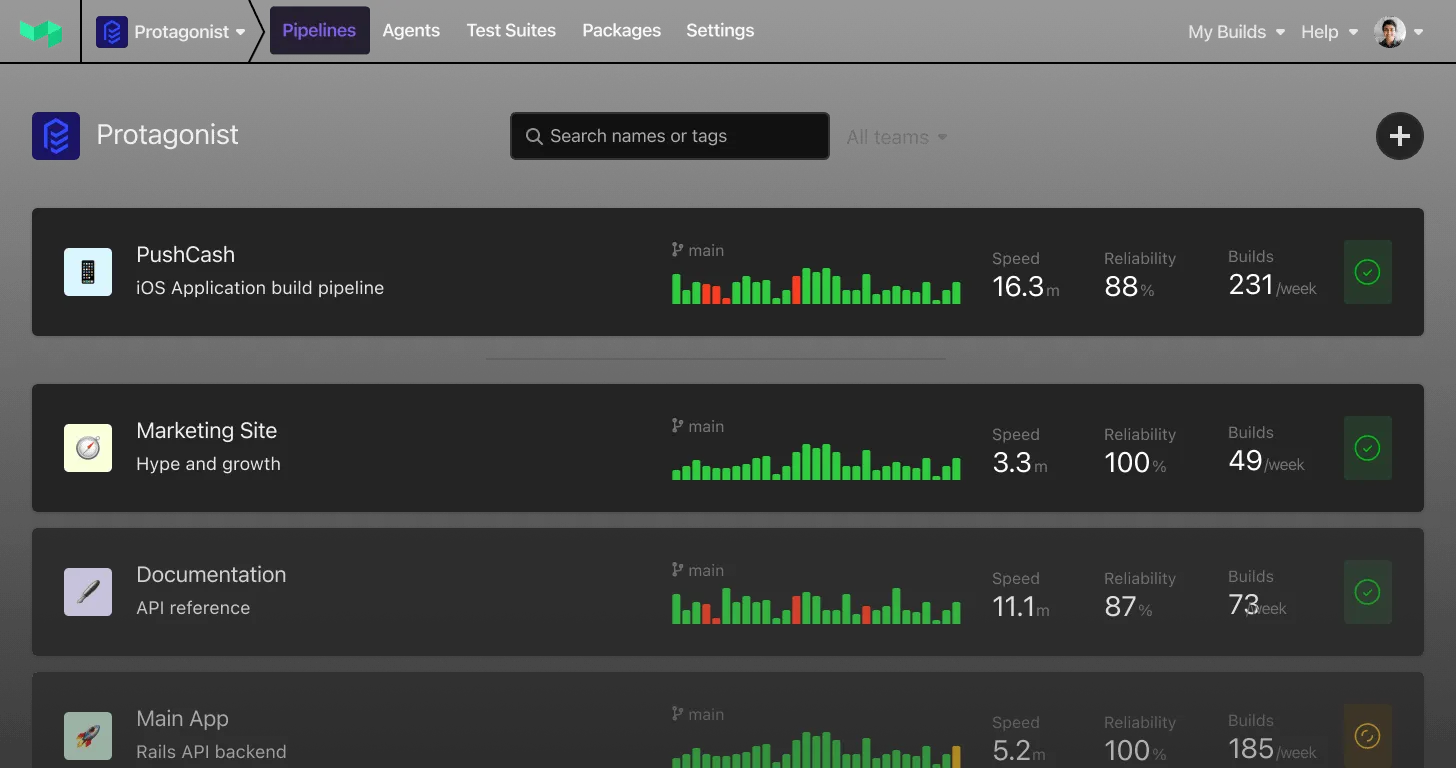
Testing at scale
More code. More Tests. Faster Builds.
Scaling up shouldn’t slow you down. World-class teams standardize on Buildkite to maintain startup speed at enterprise scale.
Buildkite powers the most demanding and sophisticated software companies in the world
Optimized for velocity
Before
Waiting on slowest node
After
Optimal partitioning reduces wait time
Test splitting is the fastest path to faster builds. Buildkite’s intelligent distribution and unlimited concurrency let you ship more while waiting less.
-
Split tests automatically based on historical data
-
Maintain peak speed through continuous optimization and rebalancing
-
Connect as many agents as you need; there’s no limit on concurrency
Automate the lifecycle of your test suite


Instead of wasting time on flaky tests, your pipeline can now detect, triage, and even trigger actions automatically, saving engineers’ time and compute costs.
-
Create multiple monitors per test suite to track flaky tests, failure rates, and more
-
Define tailored actions that execute automatically when conditions are met
-
Scale across teams with fine-grained configurations for different test types and environments
Always improving, never degrading
Your test suite evolves with your business. Keep developers shipping at speed with real-time analytics and insights deeply integrated with pipelines.
-
Monitor critical metrics across all your test suites
-
Spot emerging patterns before they impact delivery
-
Measure and demonstrate the ROI of reliability investments
See inside every test
Top spans by share of test time
last 7 days · 1,284 builds- SETUPfixtures · create organization6.1%
- DBSELECT subscription_items3.8%
- CACHEredis GET session:*2.9%
- HTTPPOST payments-api /charges2.2%
- DBINSERT user_emails1.9%
Test timing tells you which tests are slow. Traces tell you why. Send the OpenTelemetry spans your code already produces, and Test Engine shows where the time goes across every build.
-
Send spans over OTLP from the OpenTelemetry instrumentation you already have
-
Find the query, HTTP call or fixture that every test is quietly paying for
-
Give agents the same view through the Buildkite MCP server
Key features

Test splitting reduces build times by splitting work based on historical data. Optimize by partitioning tests into parallel jobs across multiple agents. Use your own rules via the API, or Buildkite’s built-in intelligent sorting.

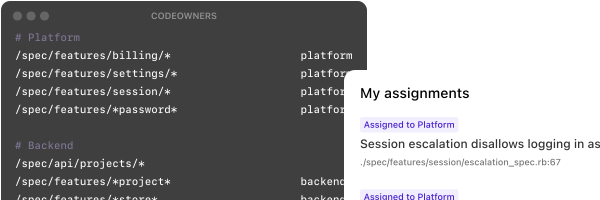
Real-time flaky test detection & quarantining can automatically categorize and isolate problematic tests. Map tests to teams and automatically assign ownership, so it’s clear who needs to know about and fix any given flake.
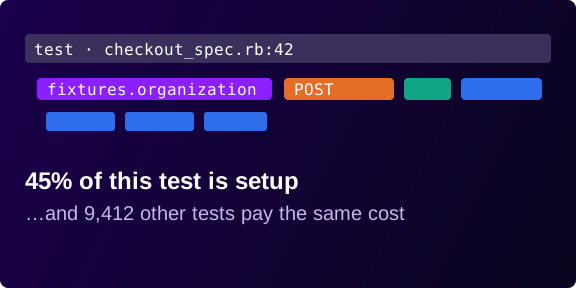
OpenTelemetry tracing shows what happens inside each test. Test Engine aggregates spans across every build, so the slow query or setup step hiding in thousands of tests stands out. Agents can read it too, through the Buildkite MCP server.
Built by developers, for developers
Enterprise ready
- SOC 2 Type II compliant.
- Audit logs.
- Multi-level permissions to control access.
- REST and GraphQL APIs.
- SSO, SAML, and 2FA.
Resources
Guides to improve your practices


Frequently asked questions
Got a question that’s not on our list? Want a demo? Just want to chat? Get in touch.
How does Buildkite Test Engine define a flaky test?
Flaky tests are automated tests that produce inconsistent or unreliable results, despite being run on the same code and environment. They cause frustration, decrease confidence in testing, and waste time while you investigate whether the failure is due to a genuine bug.
By default, Test Engine detects flaky tests by surfacing when the same test is run multiple times on the same commit SHA with different results. The tests might run multiple times within a single build or across different builds. Either way, they are detected as flaky if they report both passed and failed results.
Test Engine also offers several other flaky test detection configurations based on those used by top software teams.
Does Buildkite Test Engine work with any test framework or runner?
Yes! Use our support for Jest, Playwright, Cypress, RSpec, and more, or easily implement your own. You can also use Test Engine with JUnit XML-formatted test results (the industry standard for test result metadata).
Does Test Engine support OpenTelemetry?
Yes. Send the spans from inside your tests over OTLP, and Test Engine ties each one back to the test, job and build it came from. See our OpenTelemetry guide for pytest, Jest, Playwright, Vitest, and RSpec collector setup instructions. Usage is measured in GB, with an allowance on every 2026 plan. See Pricing for the details. Legacy plans need to upgrade to access this feature.
Are there any limits to scale or concurrency with Buildkite?
No, with our Enterprise plan, you set your own limits with self-hosted agents. Buildkite simultaneously handles multiple enterprise customers with over 100,000 concurrent agents. Buildkite Test Engine can automatically rebalance test workloads based on historical data to speed builds.
How long will it take me to see improvements to my flaky rate?
Buildkite Test Engine is straightforward to get up and running. Buildkite customers have reported a 50% improvement to their flaky rate over the course of a 4-week POC with Buildkite.
What reliability and uptime guarantees come with Buildkite?
Buildkite provides an SLA of 99.95% uptime and a status page to track any incidents.
Does Buildkite have a free plan?
Yes! See Pricing for all the details on the plans.
You deserve better CI.
Get started for free with a full month of our all-access trial.