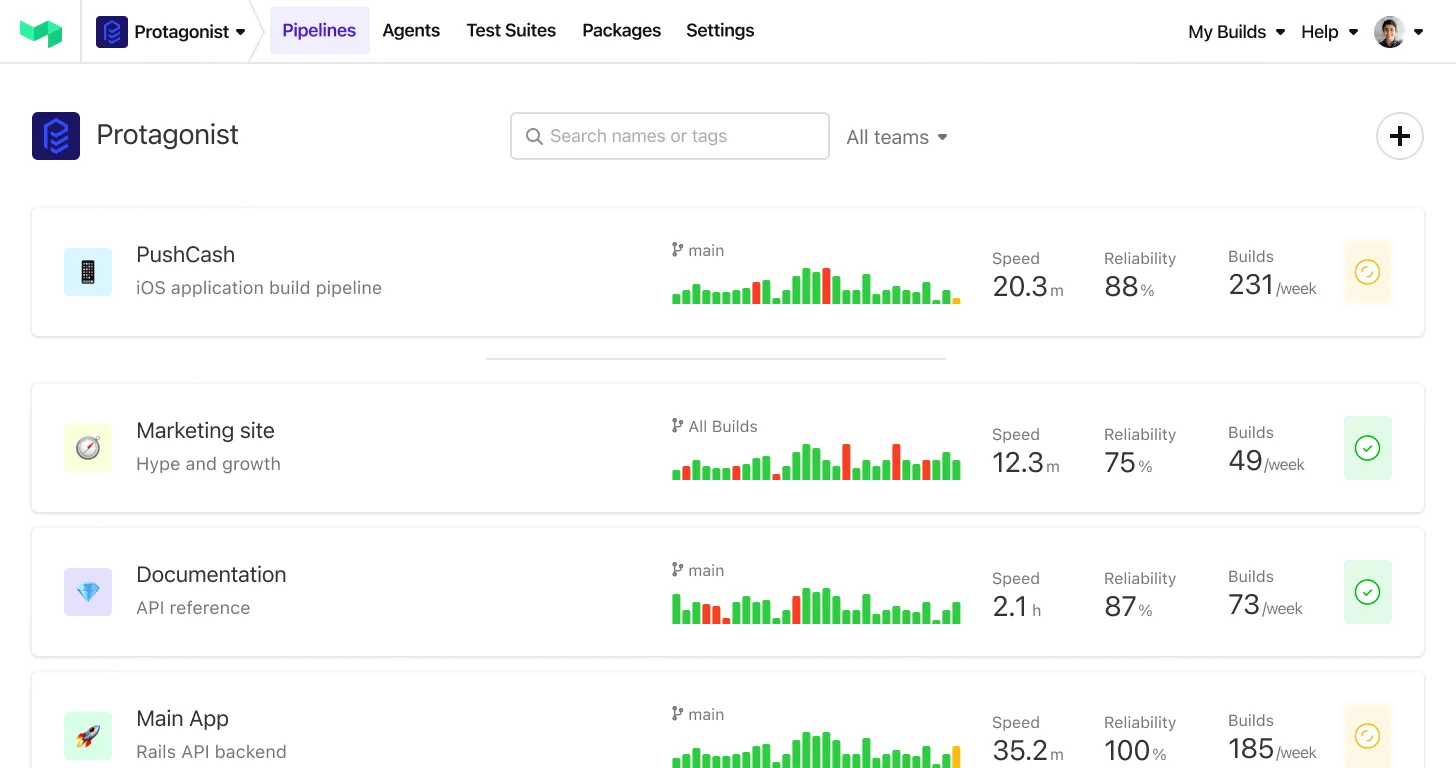
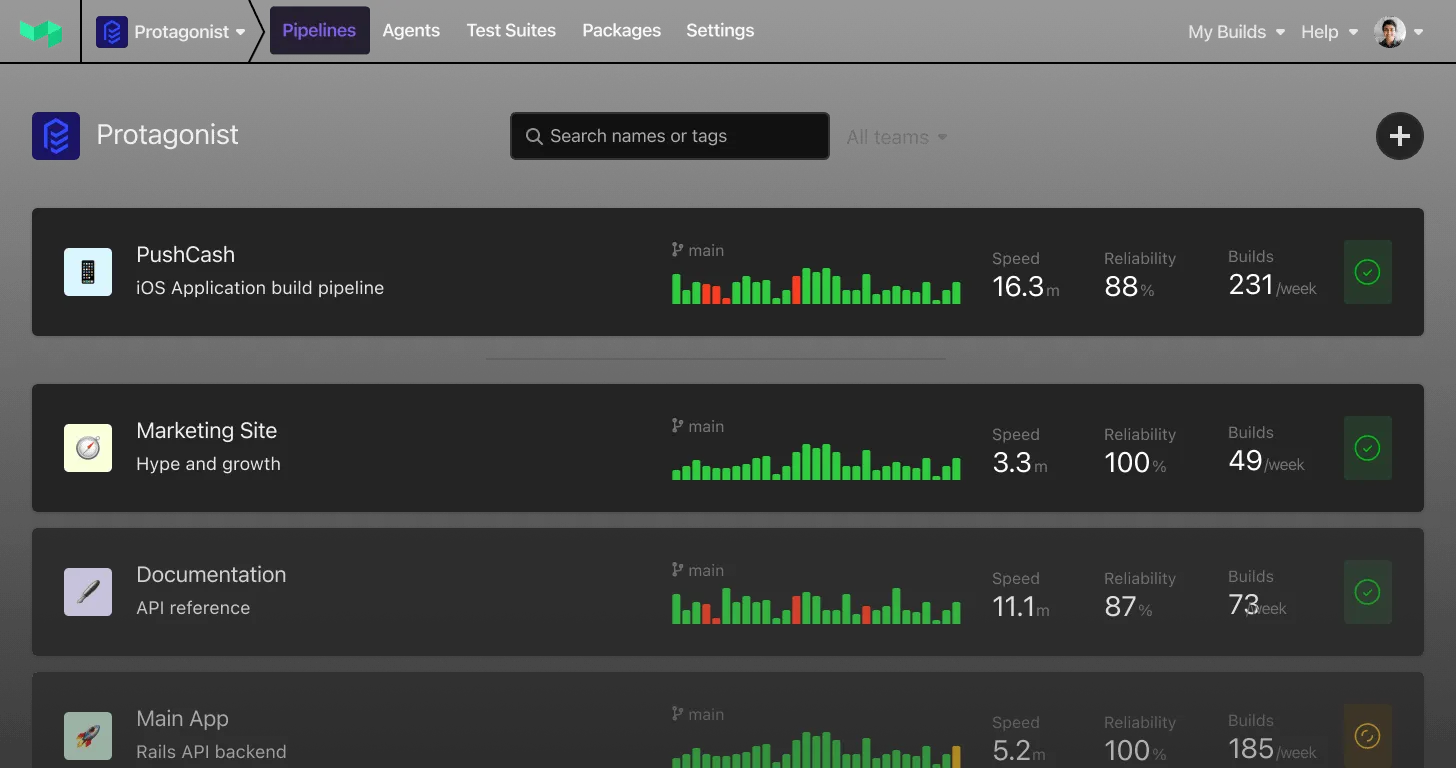
Require SSO sign-in again for your organization
During a suspected security incident, organization administrators can now revoke their organization's SSO sessions without contacting Support. Under Settings → Security, select Require SSO sign-in again to review and confirm the action.
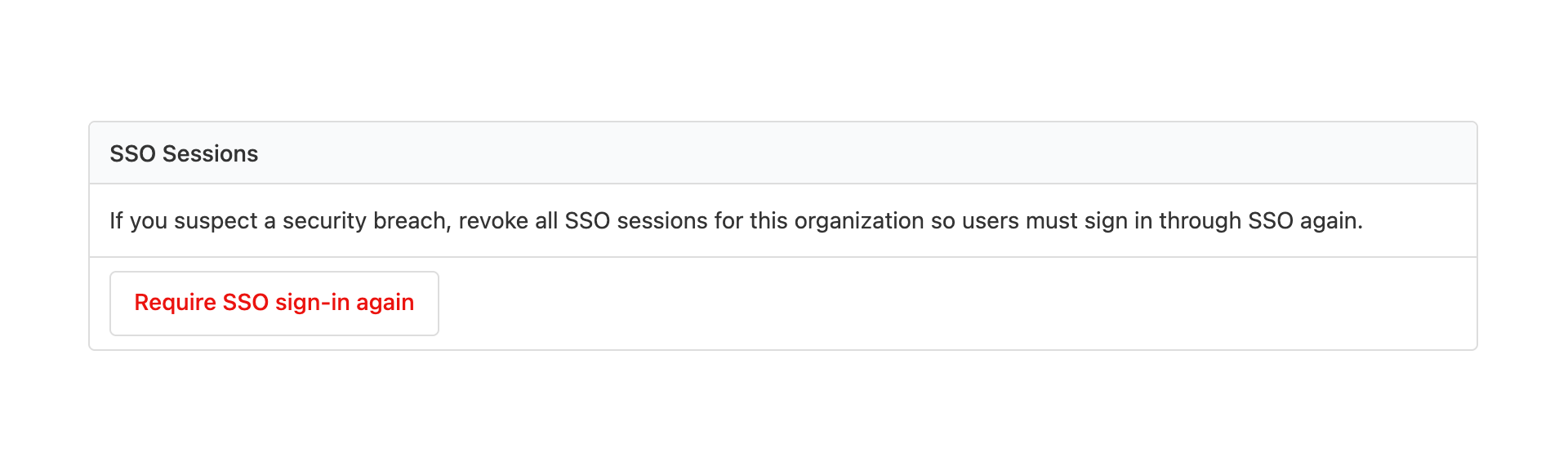
This revokes your organization's SSO sessions, including your own. Members who require SSO must sign in through your identity provider again before accessing the organization. Sessions for other organizations and SSO-exempt members are unaffected.
Existing API access tokens, agent tokens, and OAuth access and refresh tokens—including those used by the Buildkite CLI and remote MCP—are not revoked. Revoke compromised tokens separately.
Learn how to require SSO sign-in again for your organization.
Sorcha
You deserve better CI.
Get started for free with a full month of our all-access trial.