Manage secrets from pipeline settings
If you can edit a pipeline and manage its associated cluster, you can now create and manage secrets directly from Pipeline settings → Secrets.
Pipeline secrets are cluster secrets with access restricted to the current pipeline. You can add branch, queue, build source, or creator conditions to narrow access further, and secret values remain hidden after creation.
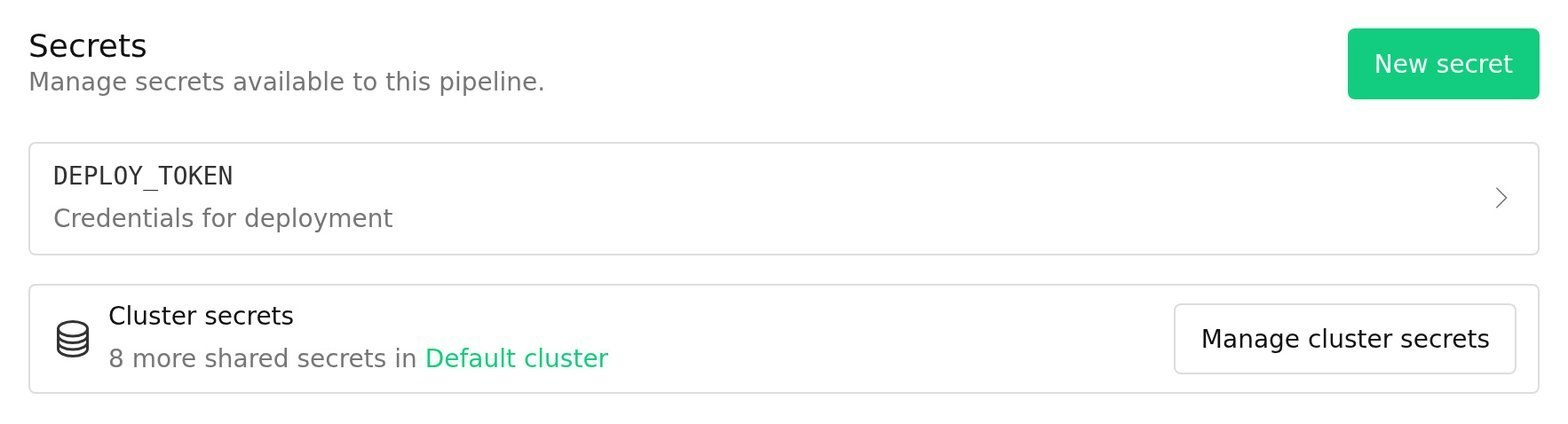
The new view keeps pipeline-specific secrets together, shows how many other secrets are managed by the pipeline's cluster, and links to the cluster's secrets page. Restricted secrets now have a lock indicator in cluster settings, making access policies easier to spot. For GitHub Actions pipelines, a dismissible prompt links to secrets setup before the first workflow runs.
Give it a try in your pipeline settings today, and learn more about creating, securing, and using secrets in the Buildkite secrets documentation.
Mark
You deserve better CI.
Get started for free with a full month of our all-access trial.

