Test your schedules with or without edits
Run a pipeline schedule as configured, or customize a one-off build without changing the schedule. Helpful when you need to validate your schedules before turning them on. Two actions on the schedule page make the choice clear:
- Run now asks for confirmation, then creates a build using the schedule's saved message, commit, branch, and environment variables. The build has source
schedule, just like an automatic scheduled run, and appears in the schedule's Recent Builds. Use it to test conditions and policies that depend on scheduled builds without waiting for the next run. - Run with edits opens the familiar, prefilled New Build form for an ad-hoc run. Try a different environment variable value for a one-off validation without updating the saved schedule. These builds keep source
ui, rather thanschedule.
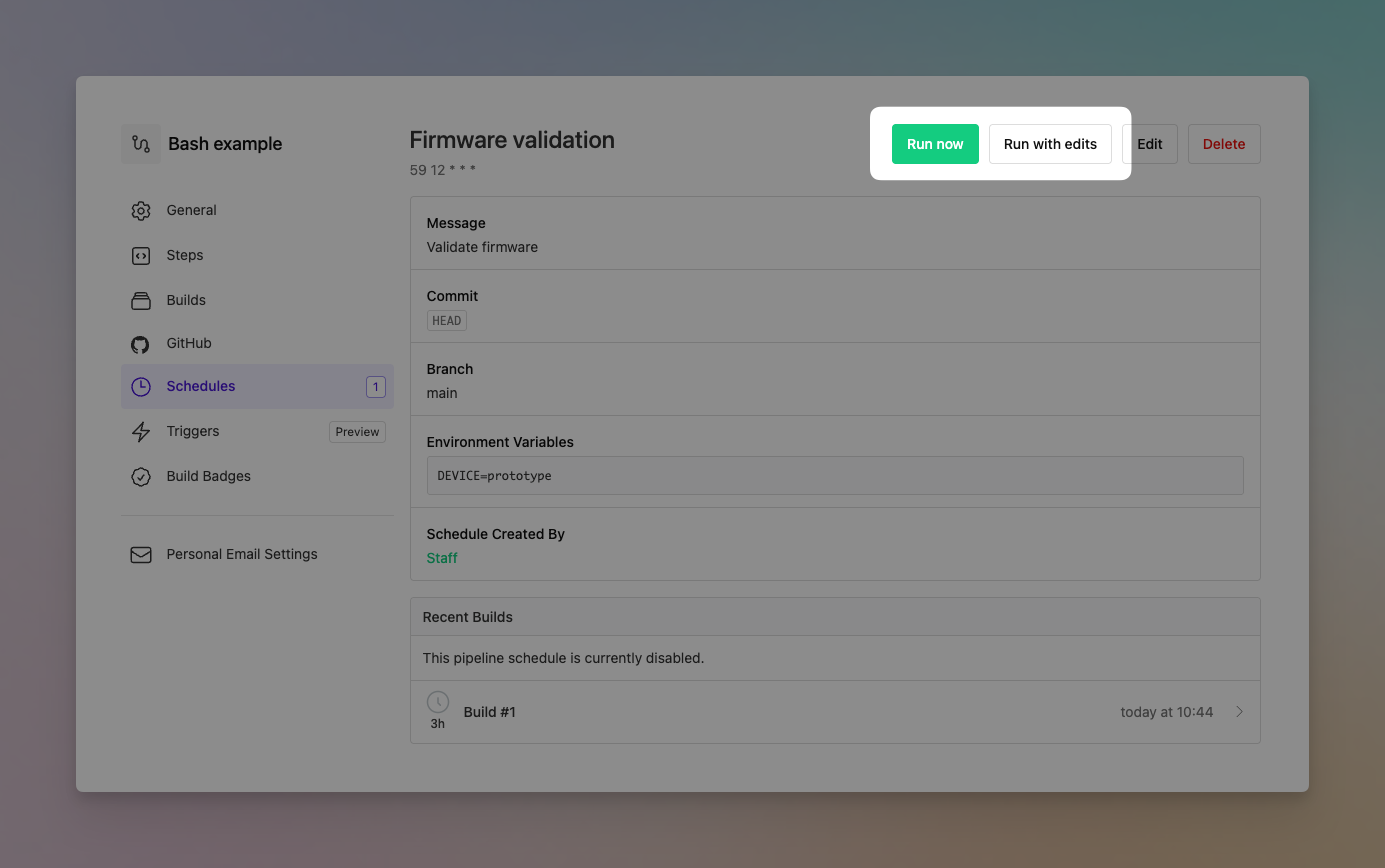
Neither action changes your saved configuration or the next scheduled run. You can also run a disabled schedule once without enabling it.
Chris
You deserve better CI.
Get started for free with a full month of our all-access trial.

