Repository migration notice (August 2021)
In order to make testing and deployment of our plugins easier we are migrating all Roadie plugins to a monorepo at https://github.com/RoadieHQ/roadie-backstage-plugins. The plugins will still be published to the same place on NPM and will have the same package names so nothing should change for consumers of these plugins.
Buildkite CI/CD Plugin for Backstage
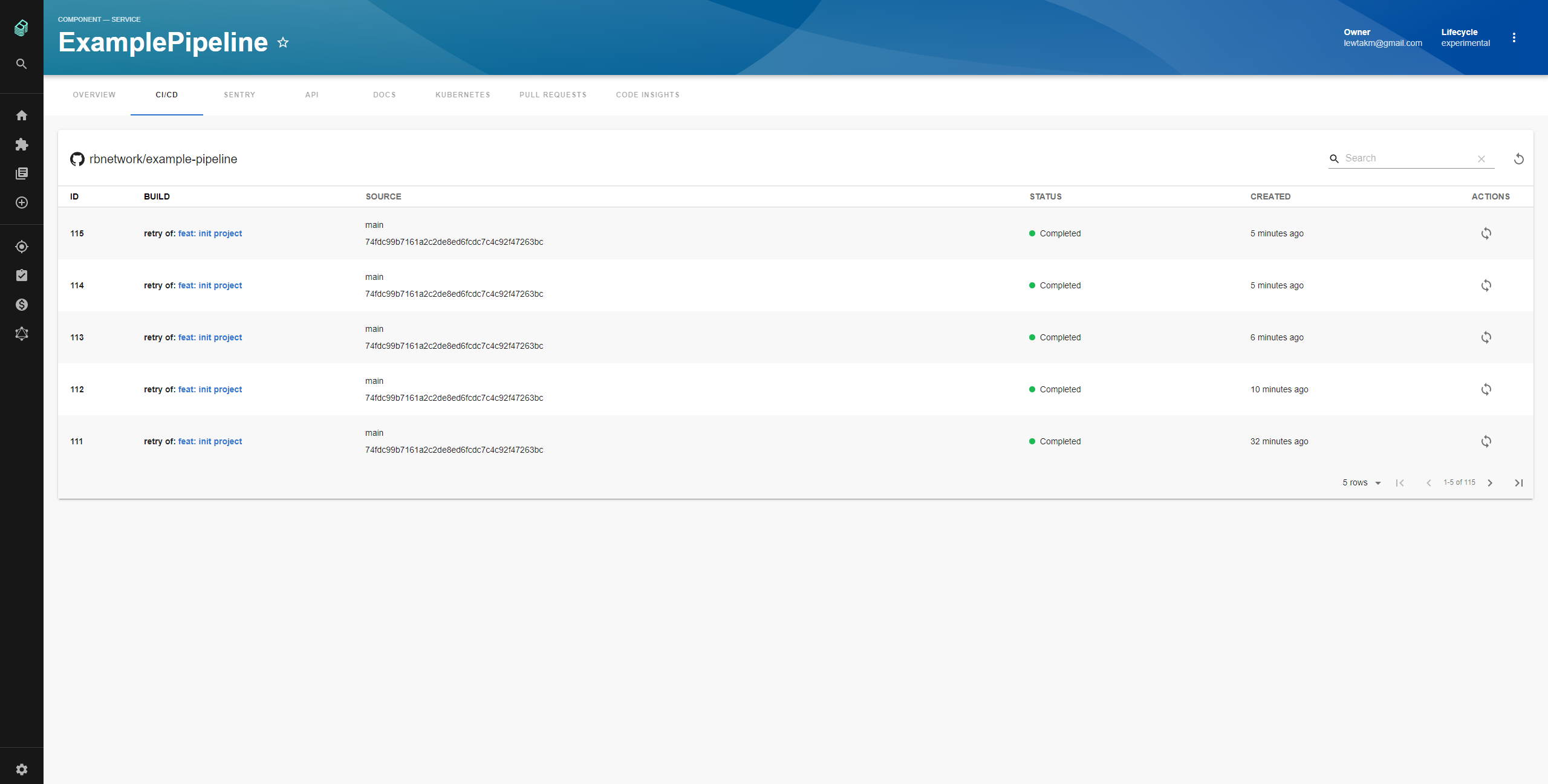
Features
- List Buildkite CI/CD Builds
- Retrigger builds
- Inspect each builds step in real time
How to add Buildkite project dependency to Backstage app
- If you have standalone app (you didn’t clone this repo), then do
yarn add @roadiehq/backstage-plugin-buildkite- Add proxy config:
// app-config.yaml
proxy:
  '/buildkite/api':
    target: https://api.buildkite.com/v2/
    headers:
      Authorization:
$env: BUILDKITE_TOKEN- Import it into your Backstage application:
// packages/app/src/components/catalog/EntityPage.tsx
import {
  EntityBuildkiteContent,
  isPluginApplicableToEntity as isBuildkiteAvailable,
} from '@roadiehq/backstage-plugin-buildkite';- Add plugin API to your Backstage instance:
// packages/app/src/components/catalog/EntityPage.tsx

export const cicdContent = (
  <EntitySwitch>
    <EntitySwitch.Case if={isBuildkiteAvailable}>
      <EntityBuildkiteContent />
    </EntitySwitch.Case>
    ...
  </EntitySwitch>
);
How to use Buildkite plugin in Backstage
- Add annotation to the yaml config file of a component:
metadata:
  annotations:
buildkite.com/project-slug: [exampleorganization/exampleproject]- Get and provide
BUILDKITE_TOKENas env variable. Note that the token needs to be in formatBearer TOKEN
Links
- Backstage
- Further instructons
- Get hosted, managed Backstage for your company: https://roadie.io

