# Linear
The Linear integration lets you synchronize issues between [Linear](https://linear.app) and Buildkite Test Engine. This integration supports the creation of Linear issues based on [Test Engine workflows](/docs/test-engine/workflows/actions#creating-a-linear-issue).
> 📘
> Setting up a Workspace requires Buildkite organization administrator permissions.
When adding a Linear integration through the [**Add Linear Notification** page](https://buildkite.com/organizations/-/services/linear/new), access for your entire Linear workspace will be authorized, along with all the teams contained within this workspace. You only need to set up this integration once per Linear workspace, after which, you can then configure action for any Linear team.
## Connect Linear
1. Select **Settings** in the global navigation and select **Notification Services** in the left sidebar.
1. Select the **Add** button on **Linear**.
 1. Select the **Add to Linear** button:
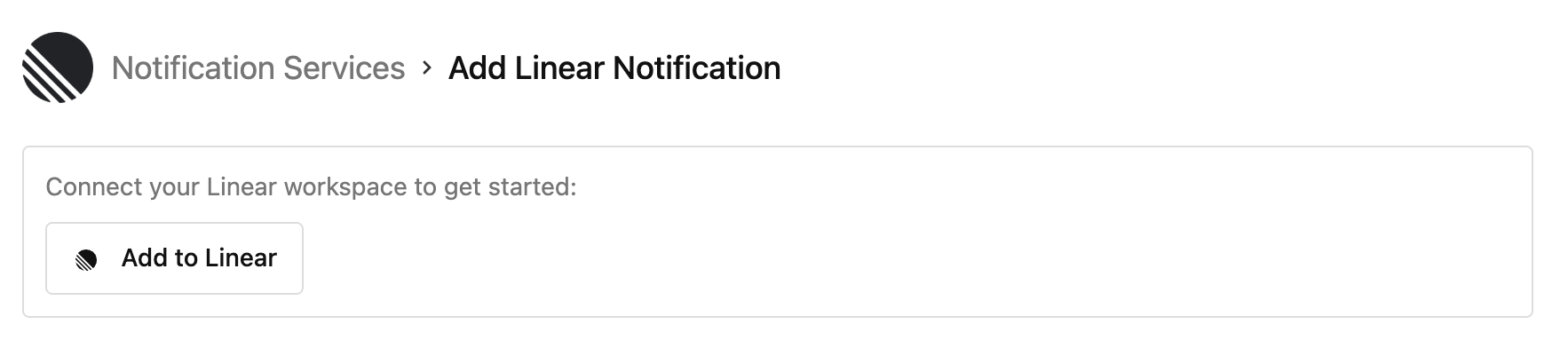 This action redirects you to Linear.
1. Log in to Linear and grant Buildkite permission to access your Linear workspace.
1. After granting access, you can then configure the [Test Engine workflow Linear action](/docs/test-engine/workflows/actions#creating-a-linear-issue).
## Privacy policy
For details on how Buildkite handles your information, please see Buildkite's [Privacy Policy](https://buildkite.com/about/legal/privacy-policy/).
This action redirects you to Linear.
1. Log in to Linear and grant Buildkite permission to access your Linear workspace.
1. After granting access, you can then configure the [Test Engine workflow Linear action](/docs/test-engine/workflows/actions#creating-a-linear-issue).
## Privacy policy
For details on how Buildkite handles your information, please see Buildkite's [Privacy Policy](https://buildkite.com/about/legal/privacy-policy/).