# Public test suites
If you're working on an open-source project or just want to share your test suite analytics with the world, you can make your test suite public.
Making a suite public gives read-only access to all users. This means users who are unauthenticated or belong to another organization can view the following:
- All test suite data
- Run results
- Test analytics
- Test executions
- Test execution data. For those using Buildkite's Ruby test collector, this includes SQL query data, HTTP request paths, and the execution timeline.
- Environment variables that occur on each run:
* `commit_sha`
* `branch`
* `message`
* `url`
* `number`
* `job_id`
- Tags
- Workflows
Before making a suite public, you should verify that runs do not expose sensitive information in their logs or environment variables. This applies to both new and historical runs.
## Make a test suite public using the UI
You make a test suite public from the suite's **Settings**:
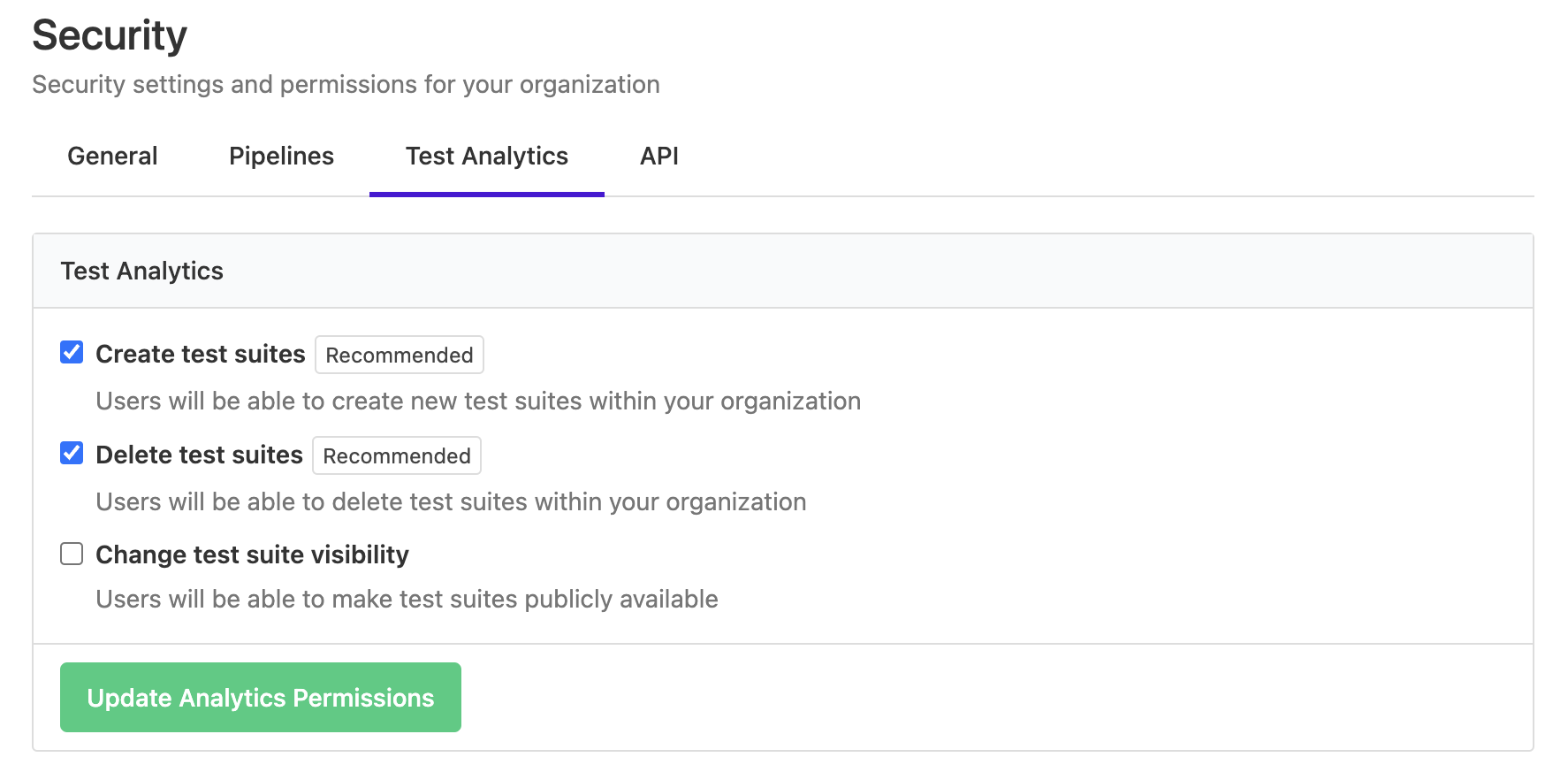
Only organization admins have permission to make a test suite public by default. Admins can extend this permission to all organization members from the **Security** tab in the organization settings.